
An iPhone app for road trips
Good stops.
Up ahead.
SpotAhead uses your location and downloaded road data to suggest fuel, food, and EV charging stops ahead on supported roads.
Browse the stops, choose one, and open it in your navigation app for directions.
Coming soon to iPhone. Free in this release.
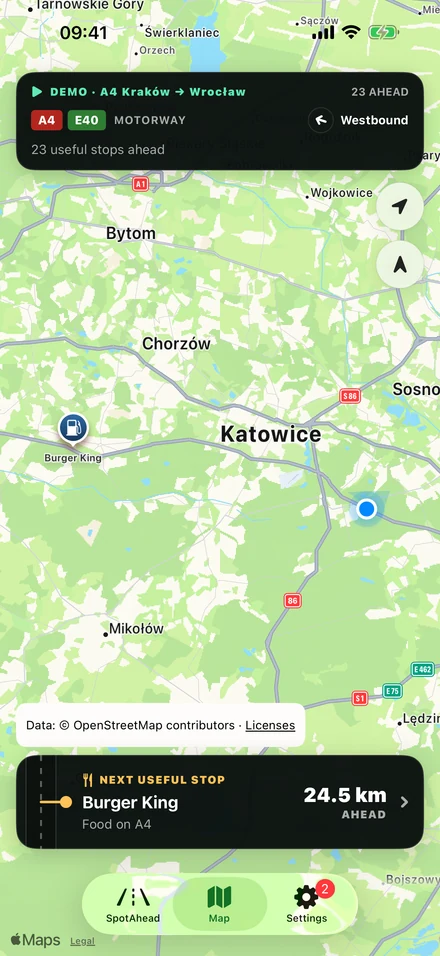
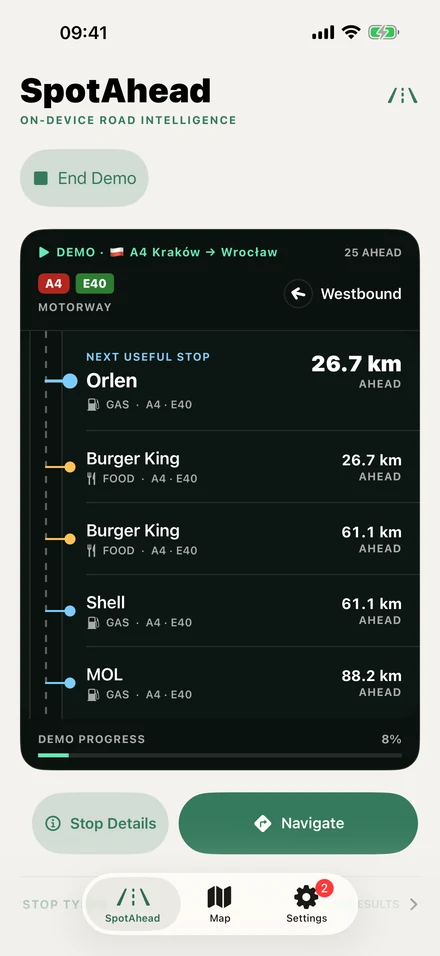
Distances shown are demo examples.
From road pack to next stop
How it works
SpotAhead looks at your current road and direction of travel. You don’t need to set a destination first.
Suggestions depend on the available map data and location accuracy. Some stops may be missing or unsuitable.
-
Download a road pack
Choose the country or region you’ll drive in. Install and update its road data before you leave.
-
See suggested stops
With location access, SpotAhead matches your position to a supported road and lists stops ahead.
-
Open directions
Choose a stop and open it in Apple Maps, Google Maps, or Waze. That app calculates the route.
A closer look
In the app
From the next stop to the final directions. Screens from Demo Drive and settings.
Select an image for a closer look
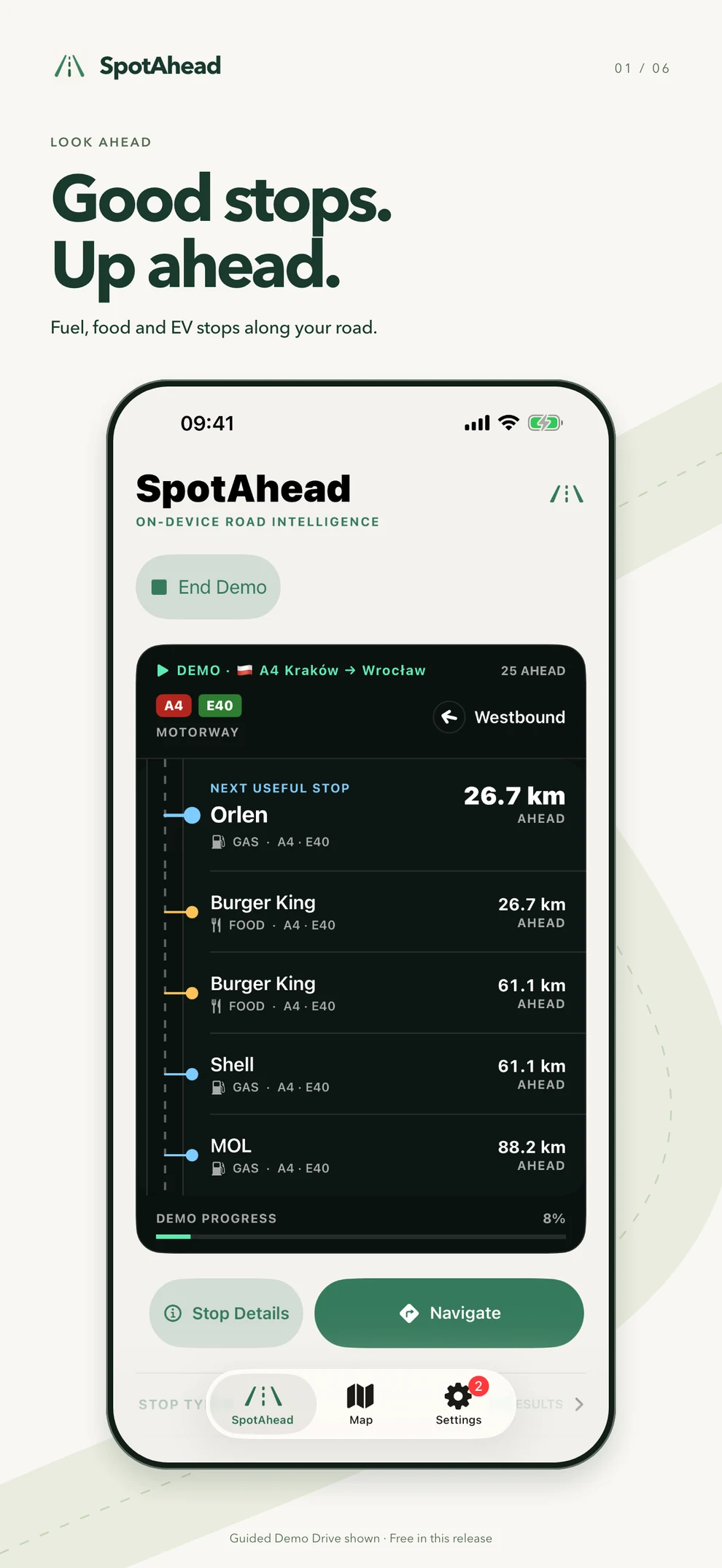
See what’s ahead
Find useful stops along your current road and direction.
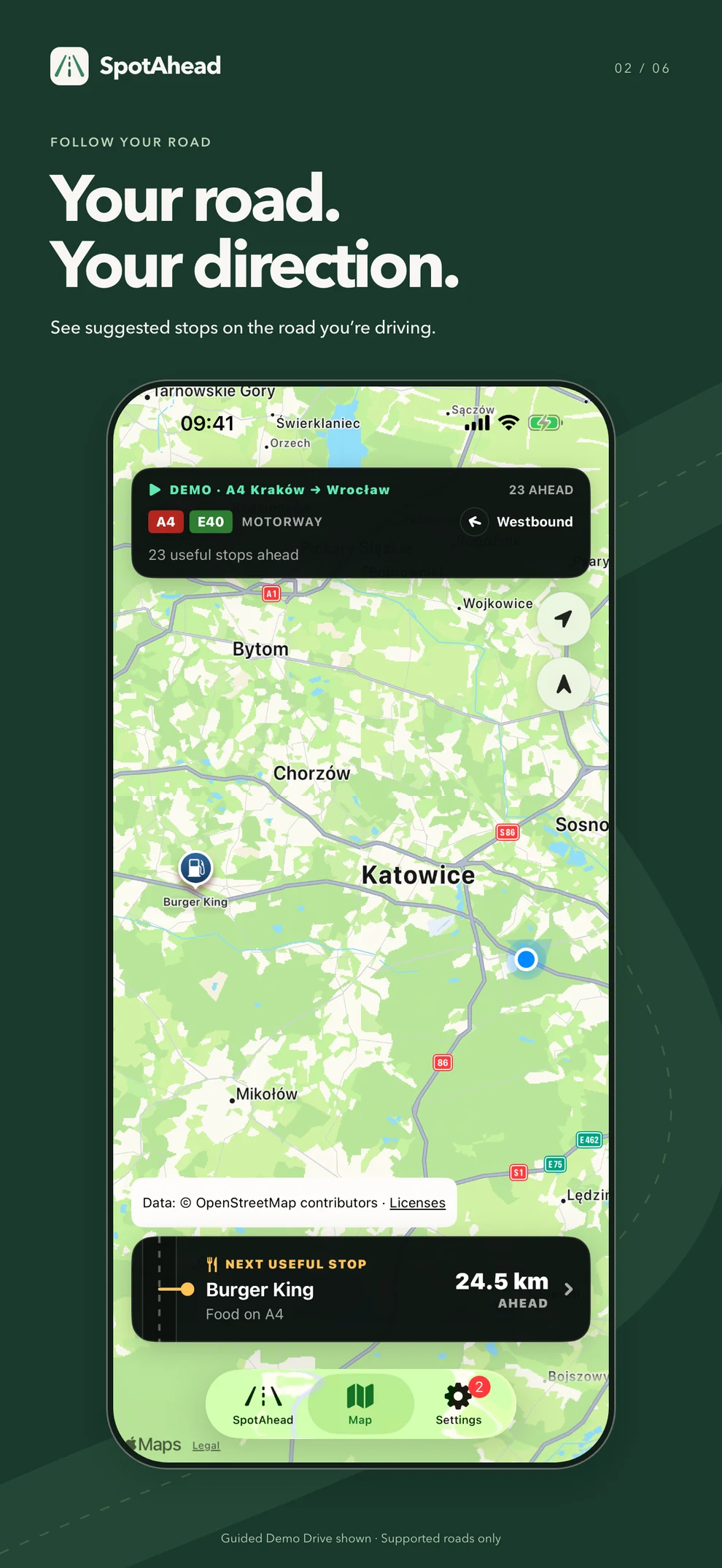
Get the road context
See your current road and suggested stops on the map.
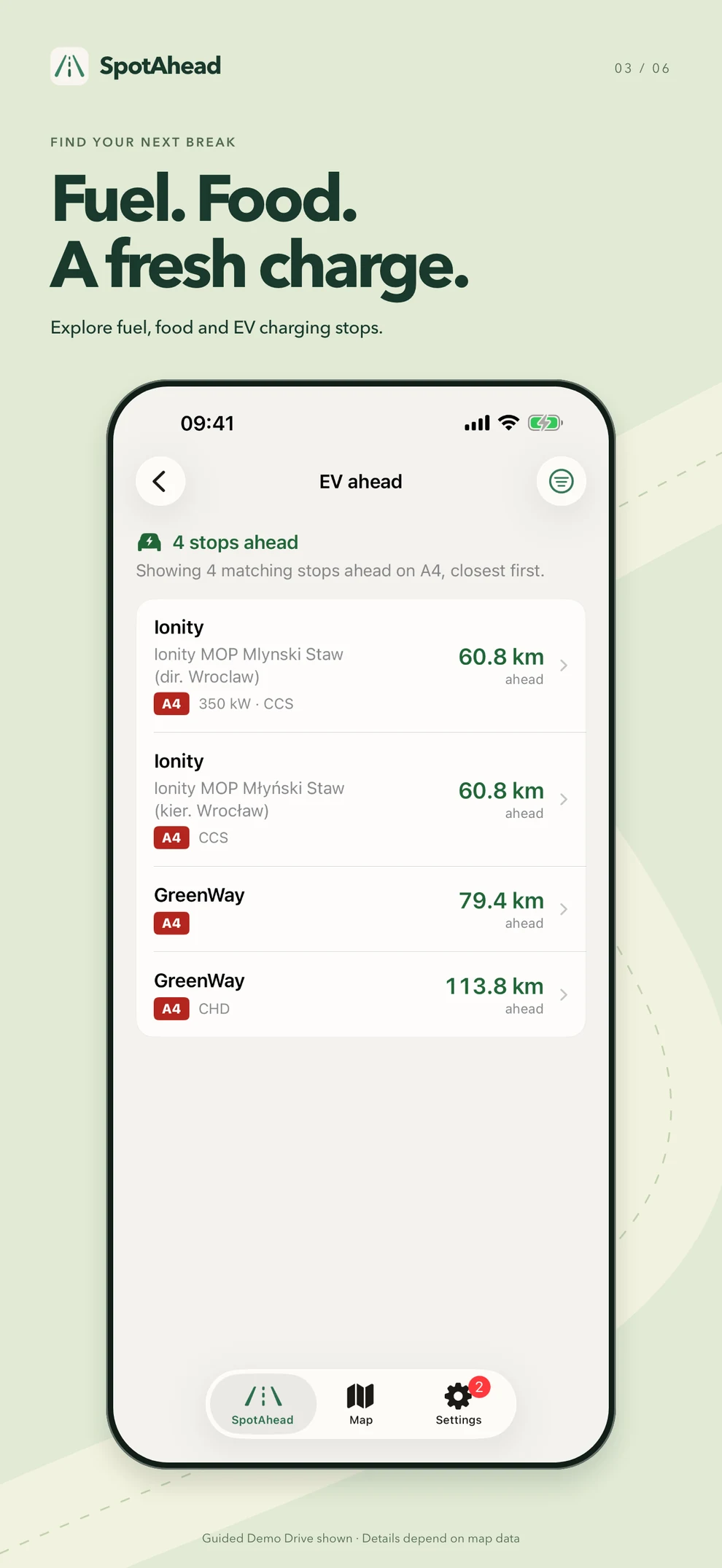
Find your kind of break
Explore fuel, food, and EV charging, with mapped details when available.
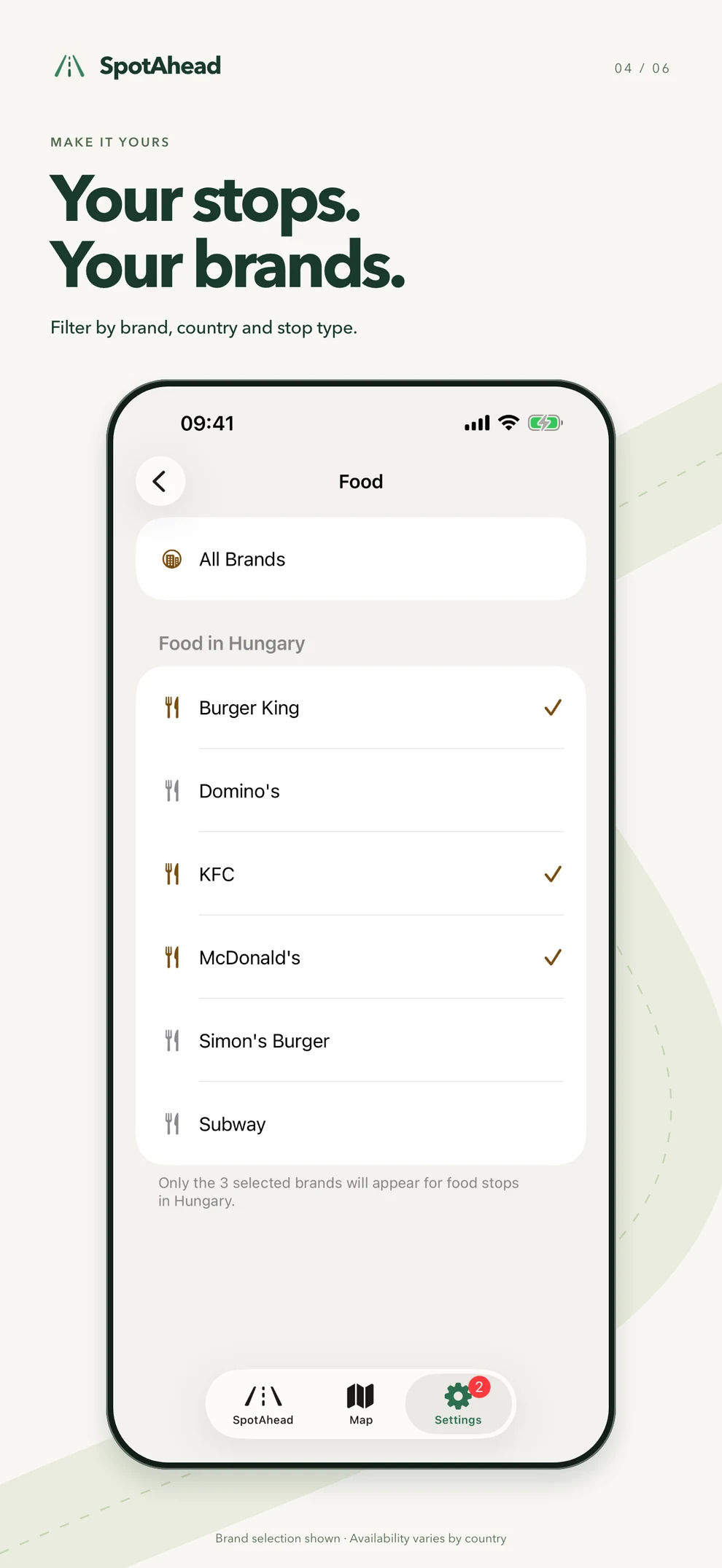
Filter by brand
Choose which brands appear in your stop suggestions.
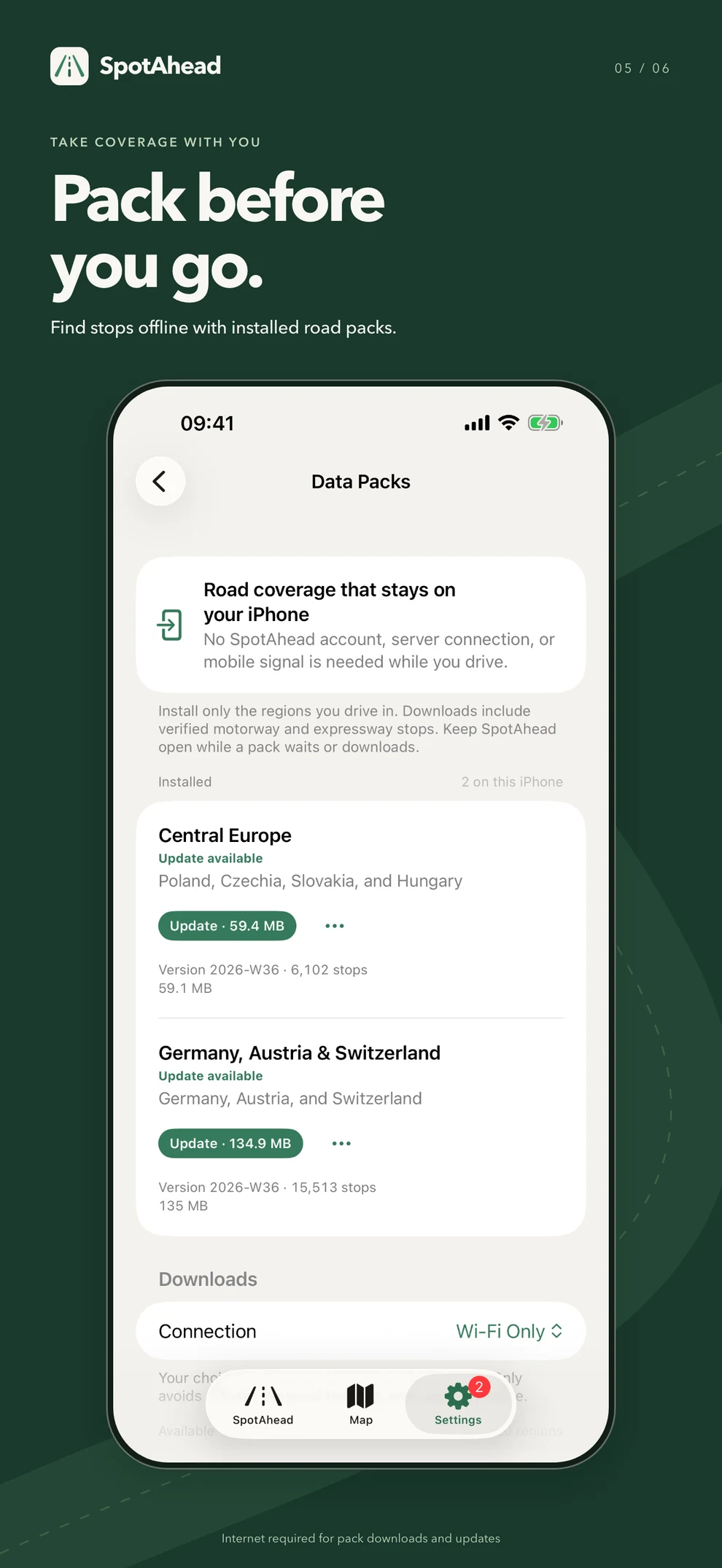
Take your coverage along
Download road packs before your trip for offline road matching and stop search.
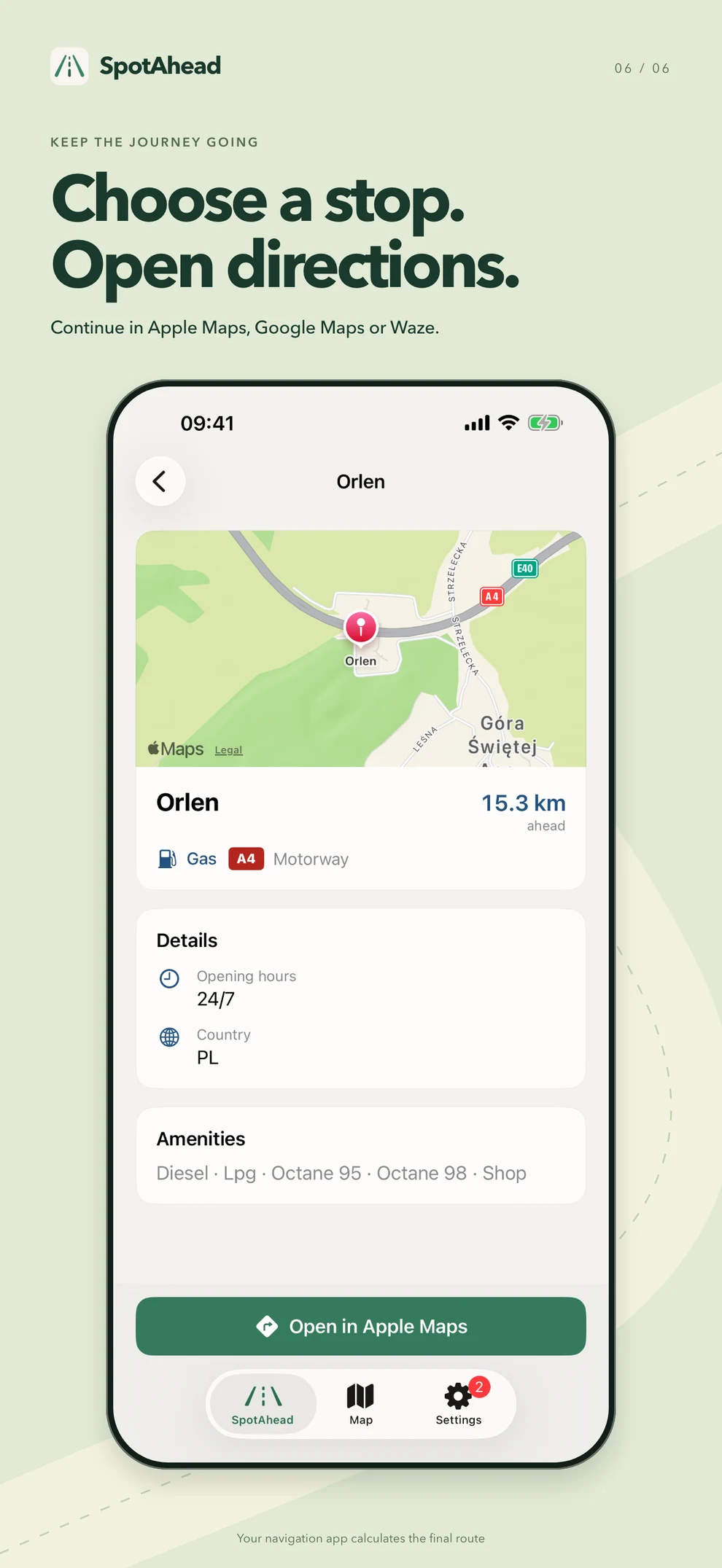
Continue in your navigator
Check a stop, then open directions in Apple Maps, Google Maps, or Waze.
This release is free. Live Drive, maps, stop details, filters, road packs, and navigation handoff are included, with no subscriptions or in-app purchases.
A few practical details
Before you use it
Road coverage
Coverage focuses on motorways, expressways, and selected intercity roads. Check the packs available in the app for your trip. Not every road or stop is included.
Opening hours, road access, and charging details can change. Follow current signs and check the information you need before stopping.
Using it offline
Road matching and stop search use installed packs and can work without a mobile connection. Live Drive requires precise location access.
Internet access is needed for pack downloads and updates, optional country lookup, and services such as maps and navigation.
Location and privacy
Road matching runs on your iPhone. An active Live Activity can continue using location while the phone is locked or another app is open. End drive, or turn off Live Activities in SpotAhead Settings, to stop background updates.
Read the Privacy Policy for details about local data and the services the app uses.
Questions or feedback
See the support page for help with road packs, location access, and using the app. You can also write to support@spotahead.app.
Launch updates: @spotahead on X.
Set up the app before driving. Interact only when lawful and safe.